Speak it.
MioMio sorts it out.
Say a sentence. MioMio turns it into an appointment, task, idea or reflection.
Available on Android now. The iPhone version is waiting for Apple.
Three steps from thought to organised
No menus to hunt through. Say it, check it, save it.
Speak
Tap Speak to capture and say a sentence, such as: Dentist appointment next Tuesday at 3pm.
Check
Tap the red button when you have finished. MioMio suggests the category, title and date. Change anything you like.
Save
Save it, then add it to your calendar with one tap if it is an appointment.
What you get
Speak, do not type
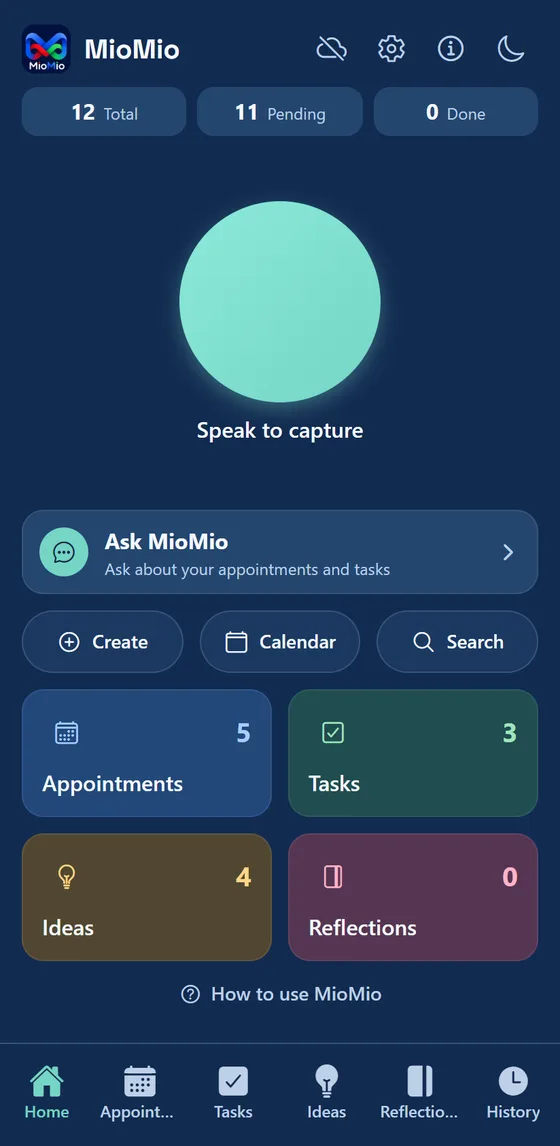
Tap Speak to capture, say what is on your mind, then tap the red button. A live sound meter shows that it is listening.
Sorted for you
MioMio suggests an appointment, task, idea or reflection and picks out dates and times. You check it and change anything before you save.
One tap to your calendar
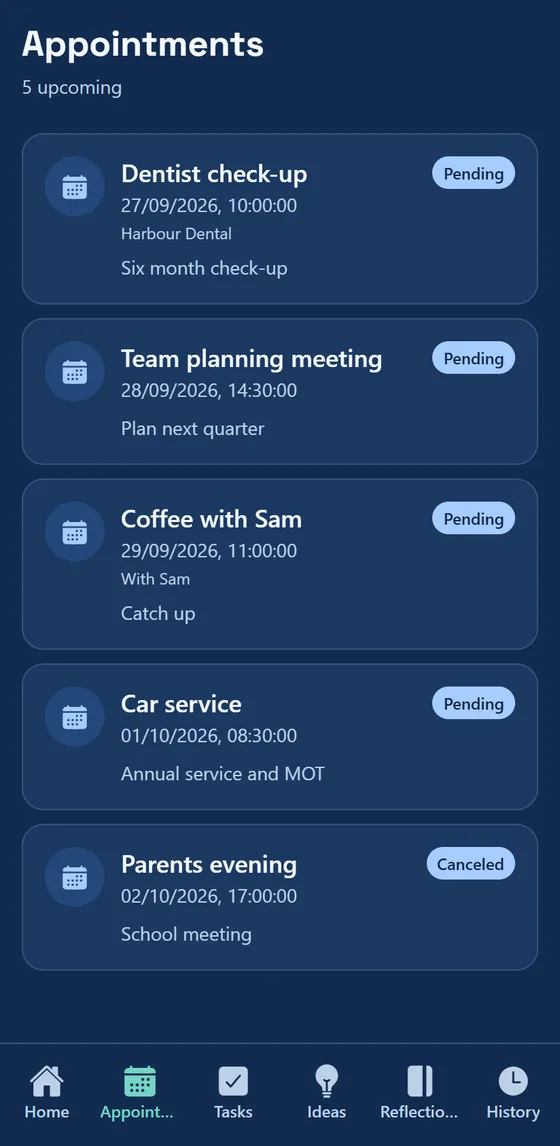
Add an item to your phone calendar with one tap. The Mio Calendar view shows every appointment and deadline in one place.
History you can restore
Complete, cancel or archive an item and it moves to History. Restore it later if you need it back.
Ask MioMio
Optional. Ask about your own appointments and tasks, using your own AI key. Nothing is sent unless you connect one.
Share and remind
Send an item to WhatsApp, set reminders and an optional daily digest, and switch between light and dark appearance.
A look inside
Screens from the app, shown with sample items.
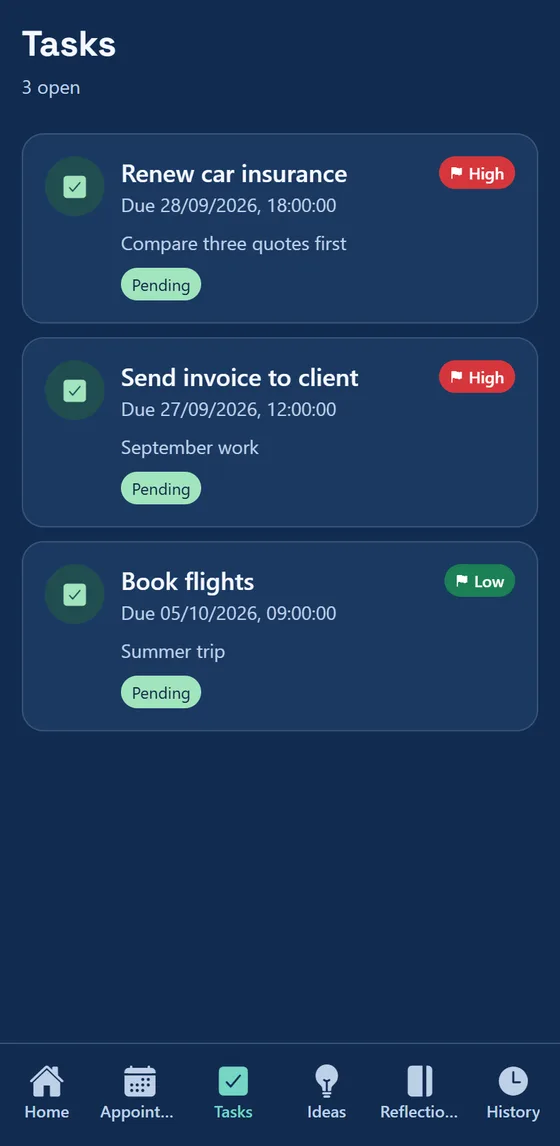
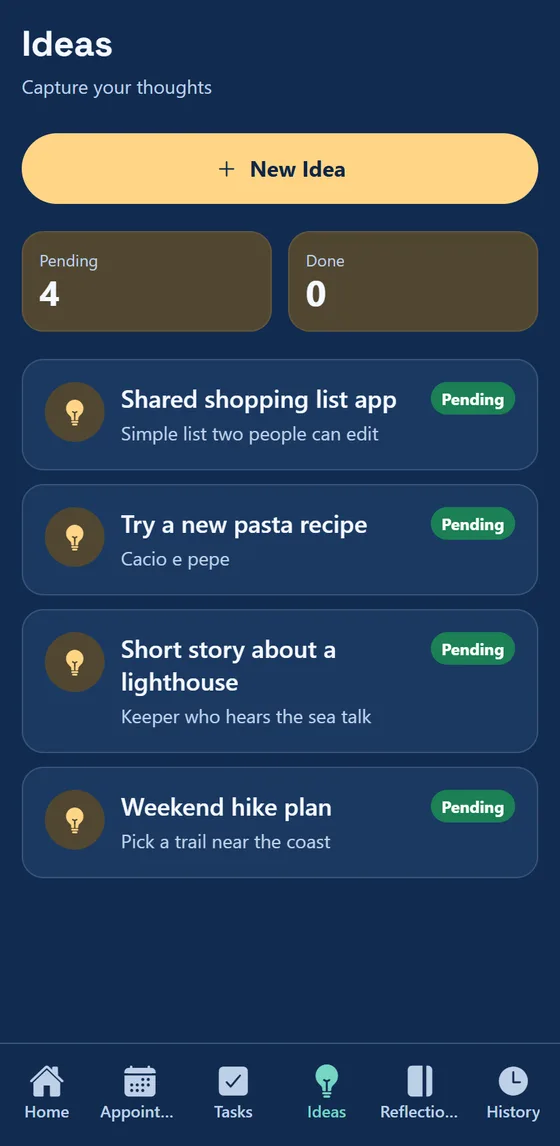
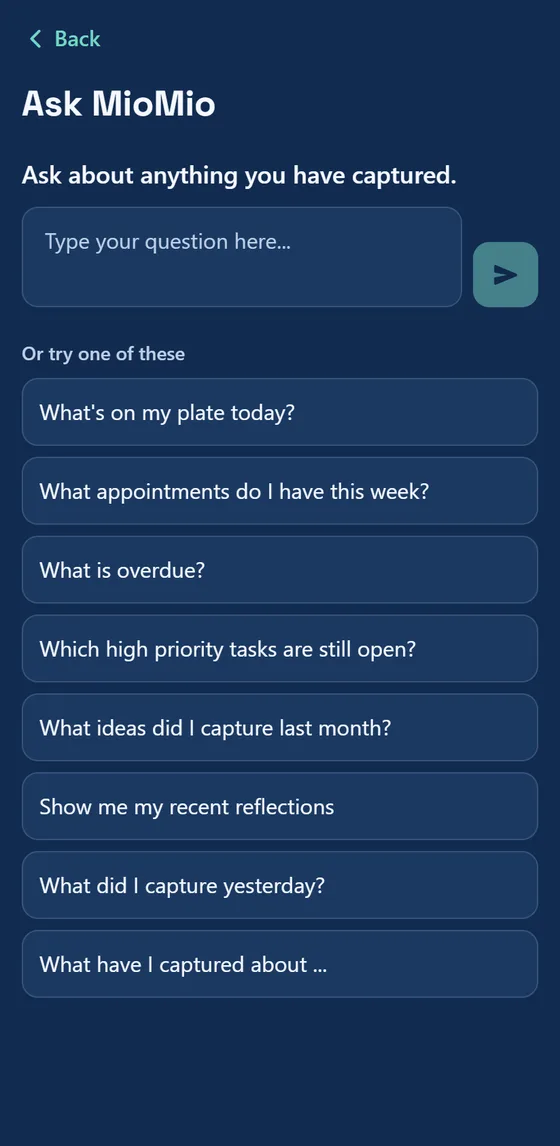
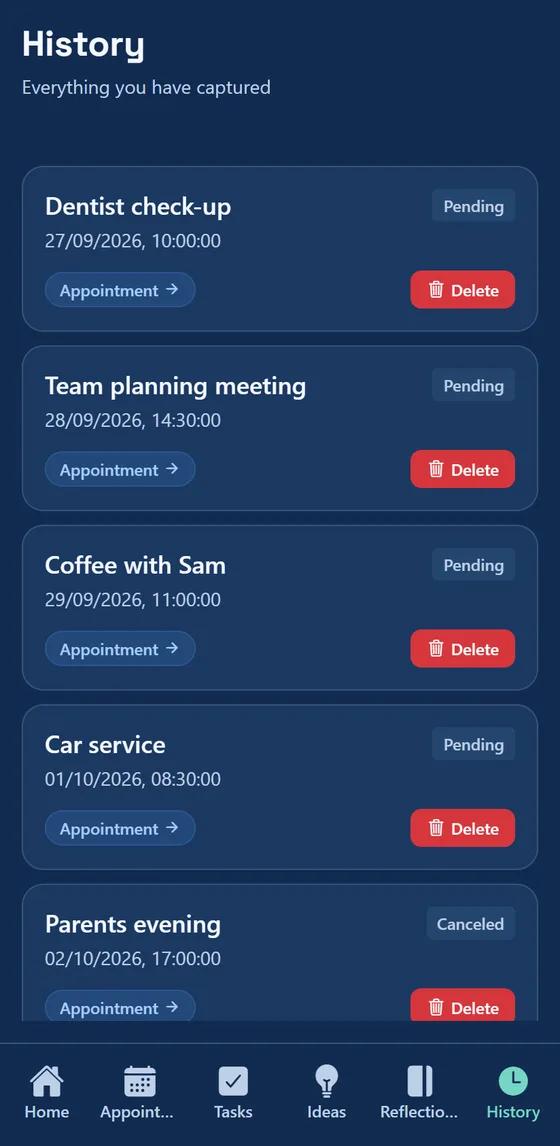
Fifteen seconds
A short clip of speaking a sentence and seeing it sorted.
Your items, your choice
- You can use MioMio without an account. By default your items stay on your phone.
- If you sign in, a copy is kept in a cloud database (Supabase, in the EU) so it can sync between your devices.
- No advertising, no analytics and no tracking tools.
- Your phone's speech service turns your voice into text. MioMio does not record or receive your audio.
- Ask MioMio is optional and uses your own AI key. Without one, no item text goes to any AI service.
Questions
Is it on iPhone?
Not yet. MioMio is on Android now. The iPhone version is waiting for Apple to approve it. This page will say when it is available.
What does MioMio do?
You speak a sentence. MioMio suggests whether it is an appointment, a task, an idea or a reflection, picks out any date or time you mentioned, and shows it to you to check before you save.
Do I need an account?
No. You can use MioMio without one. Signing in is optional and uses your email address and a one-time code, with no password. If you sign in, your items are also kept in a cloud database so they are backed up and can sync between your devices.
Where are my items stored?
On your phone. If you choose to sign in, a copy is also stored in a cloud database run for us by Supabase in the European Union. You can delete your account and its cloud data inside the app.
Is my voice recorded?
MioMio does not record, save or receive your audio. Your phone's own speech recognition turns your voice into text (Google's on Android, Apple's on iPhone). Depending on your phone and settings, that service may process audio on its own servers. MioMio only receives the text.
What is Ask MioMio?
An optional feature. You connect your own account with an AI service (Google Gemini, Anthropic Claude or OpenAI) by pasting your own key. When you ask a question, your question and your current items are sent from your phone straight to the service you chose. If you do not connect one, nothing is sent to any AI service.
Which phones does it work on?
Android phones running Android 7.0 or later. The iPhone version will need iOS 15.1 or later.
Is it free?
It is free to download from Google Play.
How do I get help?
Use the form on the support page and we will reply as soon as we can.